
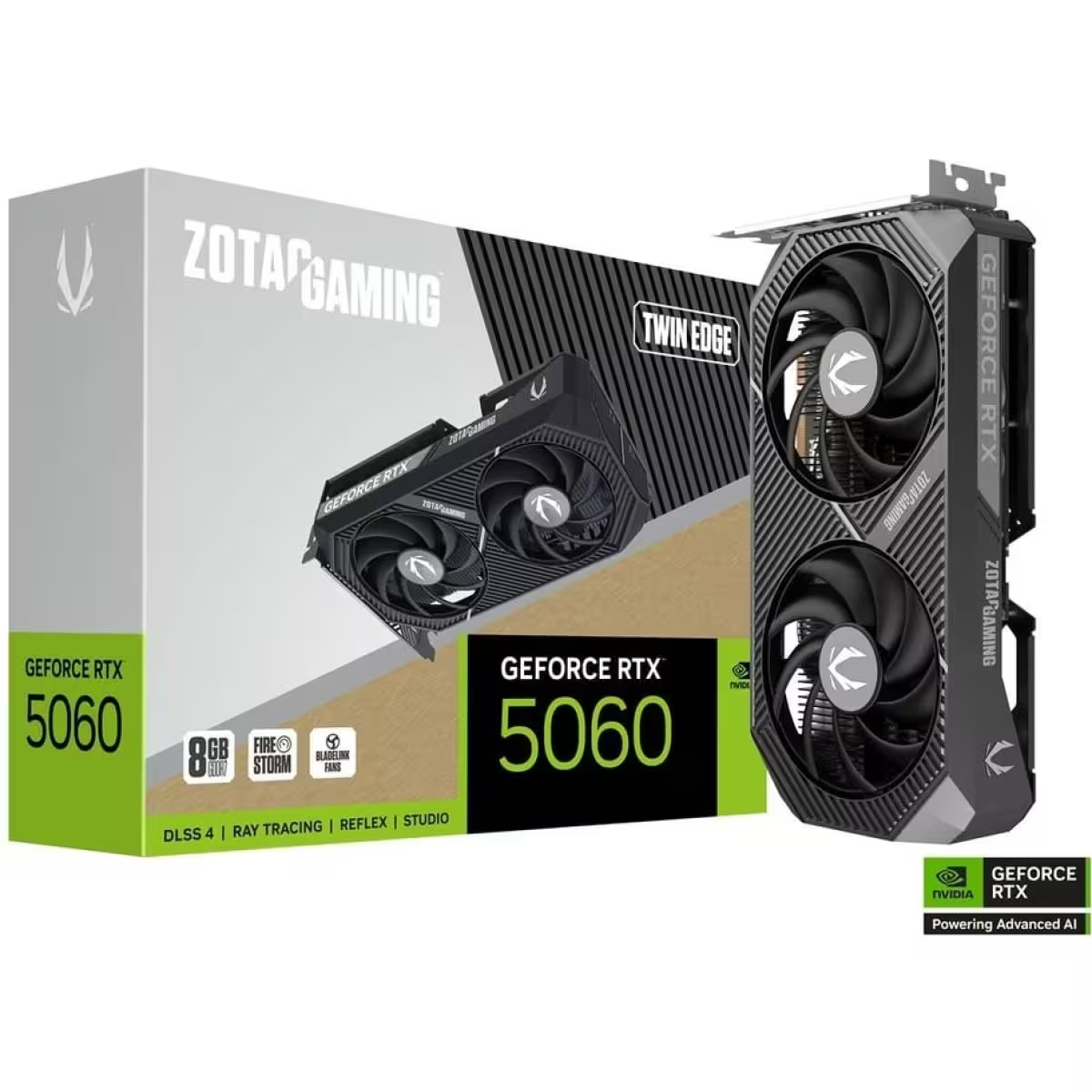
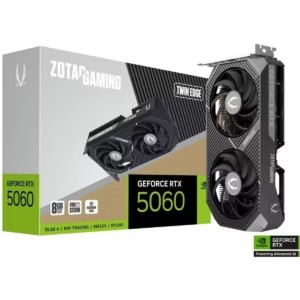
ZOTAC RTX 5060 Twin Edge 8GB GDDR7
ZOTAC RTX 5060 Twin Edge 8GB is built for modern gaming systems targeting efficient 1080p performance with NVIDIA’s latest Blackwell architecture and GDDR7 memory technology. It delivers improved AI rendering, ray tracing support, and DLSS acceleration for higher frame rates in supported games.
Official ZOTAC product page:
https://www.zotac.com/ge/product/graphics_card/zotac-gaming-geforce-rtx-5060-twin-edge
Official NVIDIA RTX 50-series reference:
https://www.nvidia.com/en-us/geforce/graphics-cards/
Key Features
- NVIDIA Blackwell architecture
- 8GB high-speed GDDR7 memory
- DLSS support (AI frame generation)
- Real-time ray tracing
- Twin Edge dual-fan cooling
- Compact SFF-ready design
- PCIe 5.0 interface
- Metal backplate for stability
Gaming Performance
ZOTAC RTX 5060 Twin Edge 8GB Designed for:
- 1080p high-refresh gaming
- Esports titles
- Modern AAA games with DLSS
- Streaming and multitasking setups
Expected usage scenarios:
- Competitive games (high FPS focus)
- Story games at medium/high settings
- VRAM-efficient modern titles
NVIDIA Technologies
DLSS
AI-based upscaling improves FPS while maintaining visual quality.
Ray Tracing
Real-time lighting and reflections for supported games.
Reference:
https://www.nvidia.com/en-us/geforce/technologies/
Technical Specifications
- Brand: ZOTAC
- GPU: GeForce RTX 5060
- Memory: 8GB GDDR7
- Memory Bus: 128-bit
- Interface: PCIe 5.0 x8
- Cooling: Dual Fan
- Power: 145W class (varies by model)
- Power Connector: 1 x 8-pin
- Outputs: HDMI 2.1 / DisplayPort 2.1
- DirectX: 12 Ultimate
Power & Cooling
- Efficient Twin Edge cooling design
- Dual fan airflow system
- Recommended PSU: 550W
- Moderate heat output compared to higher RTX tiers
- Compact size suitable for mid and small cases
Compatibility
Compatible with:
- Intel and AMD desktop PCs
- PCIe x16 motherboard slots
- Windows 10 / 11
Not compatible with laptops.
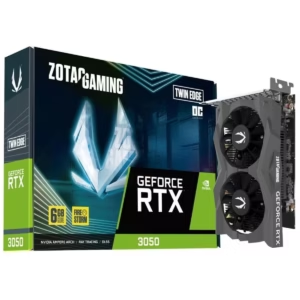
ZOTAC RTX 5060 Twin Edge 8GB vs RTX 3050
- Newer architecture (Blackwell vs older generation)
- Faster GDDR7 memory
- Better ray tracing performance
- Stronger AI/DLSS support
- Higher efficiency per watt
- External Power Connector: Required
Installation Guide (External Resources) or our Free Tech Support
GPU installation steps:
https://www.intel.com/content/www/us/en/support/articles/000005862/graphics.html
Driver setup:
https://www.nvidia.com/Download/index.aspx
General PC GPU installation:
https://www.tomshardware.com/how-to/install-graphics-card
Reviews
There are no reviews yet.