
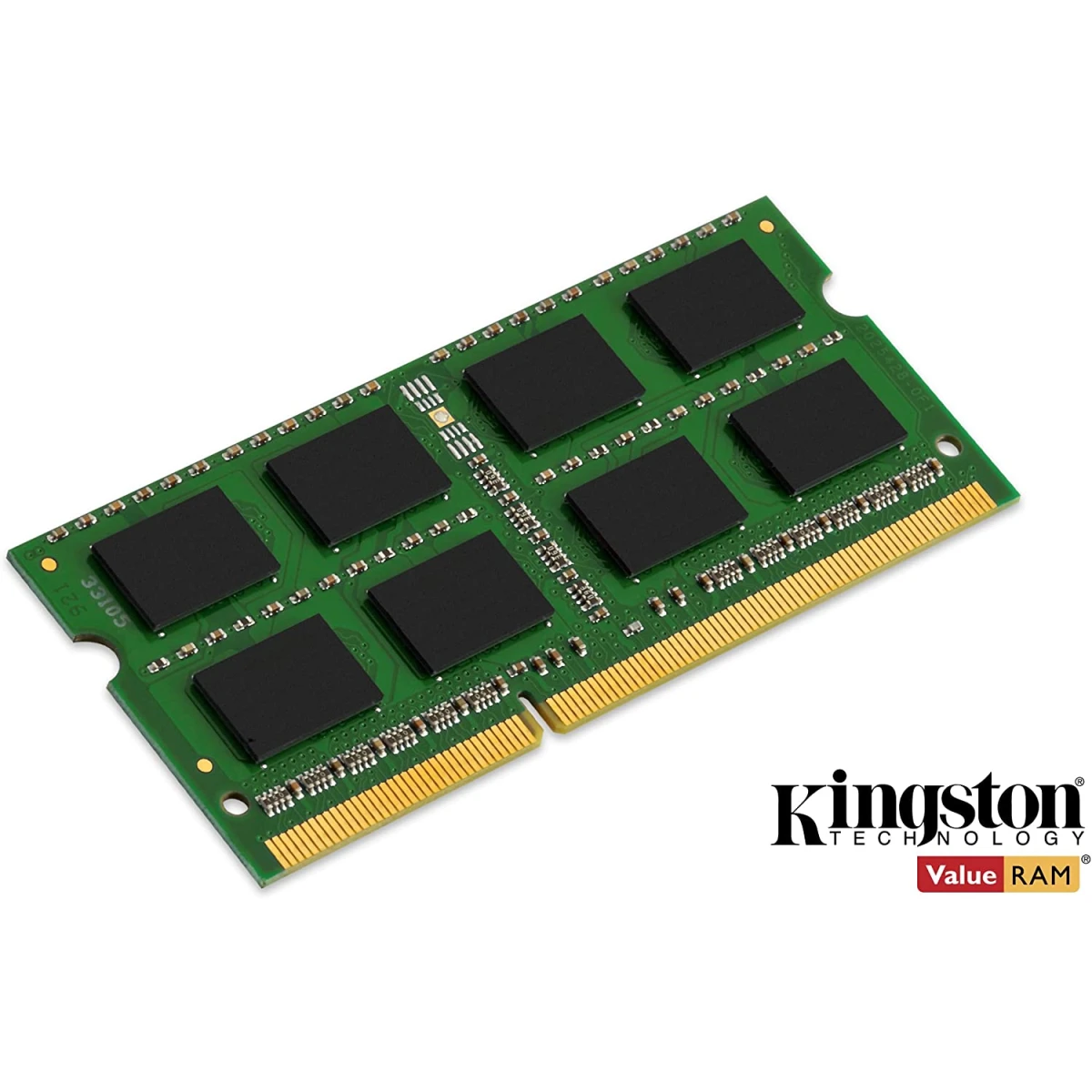
The Kingston Laptop RAM 4GB DDR4 3200MHz SODIMM is one of the most trusted and widely compatible laptop memory upgrades available in Jordan today. Backed by Kingston’s legendary reputation for quality and reliability, this module delivers a fast and noticeable performance boost to any compatible DDR4 laptop.
Laptop RAM 4GB DDR4 Running at 3200MHz (PC4-25600) with CL22 latency and a low 1.2V operating voltage, this module provides excellent performance-per-watt — keeping your laptop running fast while preserving battery life. The JEDEC-standard DDR4-3200 timing of 22-22-22 ensures maximum compatibility with a wide range of modern laptops across all major brands.
Whether your laptop is slowing down under heavy multitasking, struggling with multiple browser tabs, or taking too long to open applications — upgrading your RAM is the fastest and most affordable solution. This Kingston module installs in minutes and delivers immediate, real-world results.
Kingston Laptop RAM 4GB DDR4 uses premium-grade components that undergo rigorous testing to ensure unmatched stability, durability, and compatibility. Every module is backed by a Lifetime Warranty and Kingston’s award-winning free technical support — giving you complete peace of mind long after purchase.
Compatible with a vast range of modern laptops using DDR4 SO-DIMM memory, including HP, Dell, Lenovo, ASUS, Acer, MSI, Samsung, and many more. Also compatible with Intel and AMD platforms supporting DDR4-3200.
The go-to RAM upgrade choice for students, professionals, home users, and IT technicians across Amman and all of Jordan.
Key Highlights:
– Capacity: 4GB
– Type: DDR4 (Non-ECC Unbuffered)
– Form Factor: 260-Pin SO-DIMM (Laptop)
– Speed: 3200MHz (PC4-25600)
– CAS Latency: CL22 (22-22-22)
– Voltage: 1.2V
– Rank: 1Rx16
– 100% Kingston Factory Tested
– 1y Warranty + Free Tech Support
- Check the Notch: Align the notch on the gold contacts of your new DDR3 stick with the ridge in the slot. It only fits one way.
- Insert at an Angle: Slide the new RAM into the slot at a 45-degree angle until the gold pins are mostly hidden.
- Push Down: Firmly press the top edge of the RAM stick down toward the motherboard until the side clips snap into place.


Reviews
There are no reviews yet.