
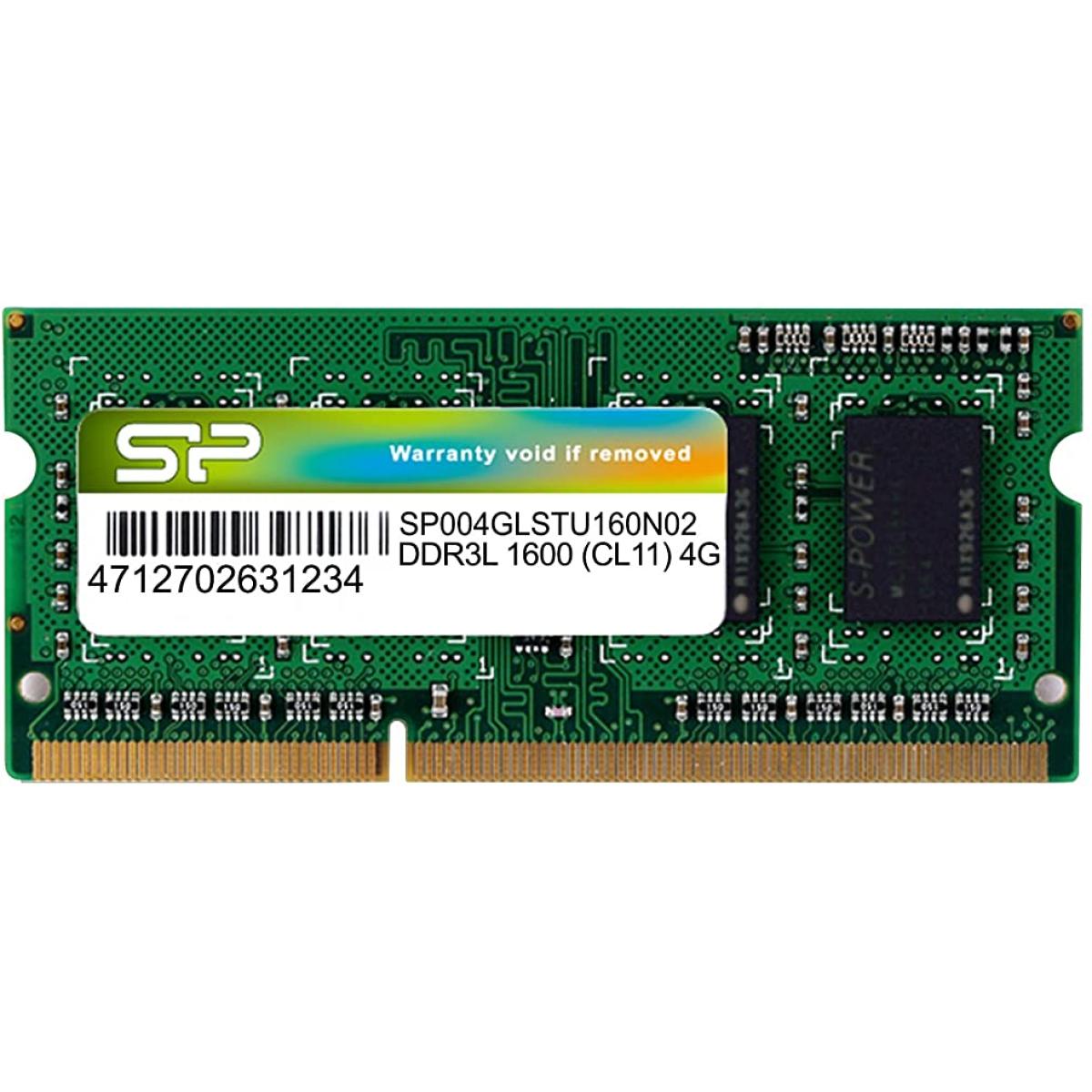
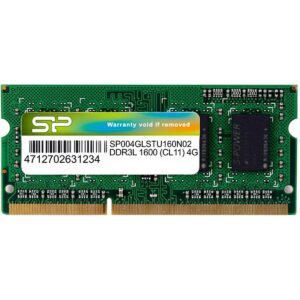
The Silicon Power RAM 4GB DDR3 SODIMM 1600MHz is a reliable and affordable laptop memory upgrade that gives your old or slow laptop a new lease on life — ideal for users across Jordan looking to boost performance without buying a new device.
Whether your laptop is running slow, struggling with multiple browser tabs, freezing during work, or taking forever to open applications, adding or upgrading your RAM is the fastest and most cost-effective fix available. This Silicon Power DDR3L module delivers exactly that — more speed, smoother multitasking, and noticeably better responsiveness from day one.
Running at RAM 4GB DDR3 1600MHz (PC3-12800) with CL11 latency and a low-voltage 1.35V design, this module provides up to 12.8GB/s of memory bandwidth while consuming less power than standard RAM 4GB DDR3 — great for laptop battery life. The DDR3L standard also means it’s backward compatible with standard DDR3 slots (1.5V), making it compatible with a very wide range of laptops.
Every module is built using selected original chips and undergoes 100% factory testing for guaranteed stability, durability, and compatibility. Silicon Power backs this product with a 1y Warranty — a rare and reassuring commitment for a RAM upgrade at this price point.
Compatible with most older and mid-range laptops using RAM 4GB DDR3/DDR3L SO-DIMM memory, including popular brands like Dell, HP, Lenovo, Asus, Acer, Toshiba, Sony, and many more.
Perfect for students, home users, office workers, and tech shops across Amman and all of Jordan who need a fast, affordable, and reliable RAM upgrade.
Key Highlights:
– Capacity: 4GB
– Type: DDR3L (backward compatible with DDR3)
– Form Factor: 204-Pin SO-DIMM (Laptop)
– Speed: 1600MHz (PC3-12800)
– CAS Latency: CL11
– Voltage: 1.35V (Low Voltage)
– Bandwidth: Up to 12.8 GB/s
– 100% Factory Tested
– 1y Warranty by Silicon Power
- Release Clips: Locate the two metal arms holding the RAM stick in place. Gently pull them outward away from the module.
- Pop-up: The RAM stick will automatically tilt up at a 30 to 45-degree angle.
- Slide Out: Gently pull the module out of the slot. [1, 2, 3, 4, 5]
- Check the Notch: Align the notch on the gold contacts of your new DDR3 stick with the ridge in the slot. It only fits one way.
- Insert at an Angle: Slide the new RAM into the slot at a 45-degree angle until the gold pins are mostly hidden.
- Push Down: Firmly press the top edge of the RAM stick down toward the motherboard until the side clips snap into place.


Reviews
There are no reviews yet.