
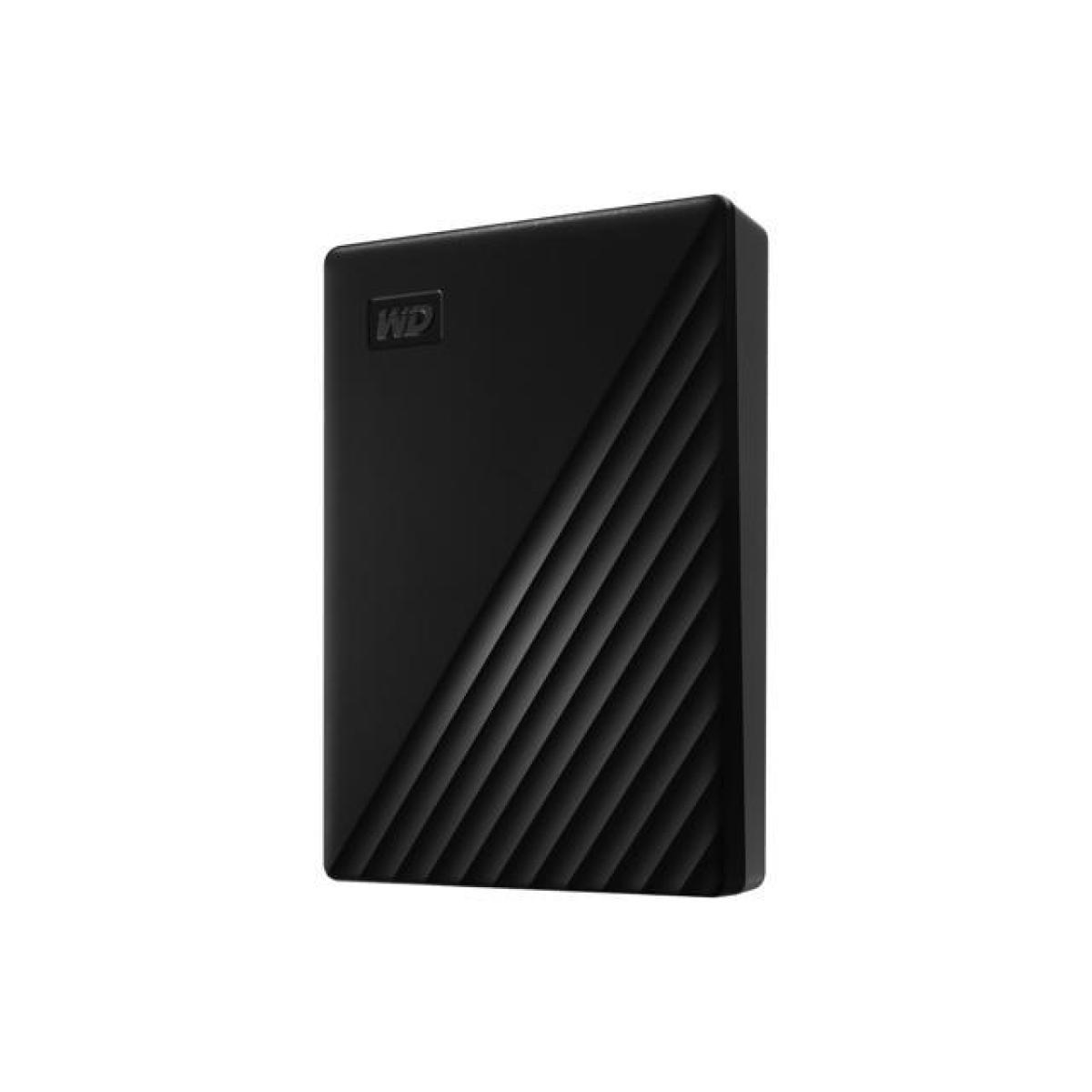
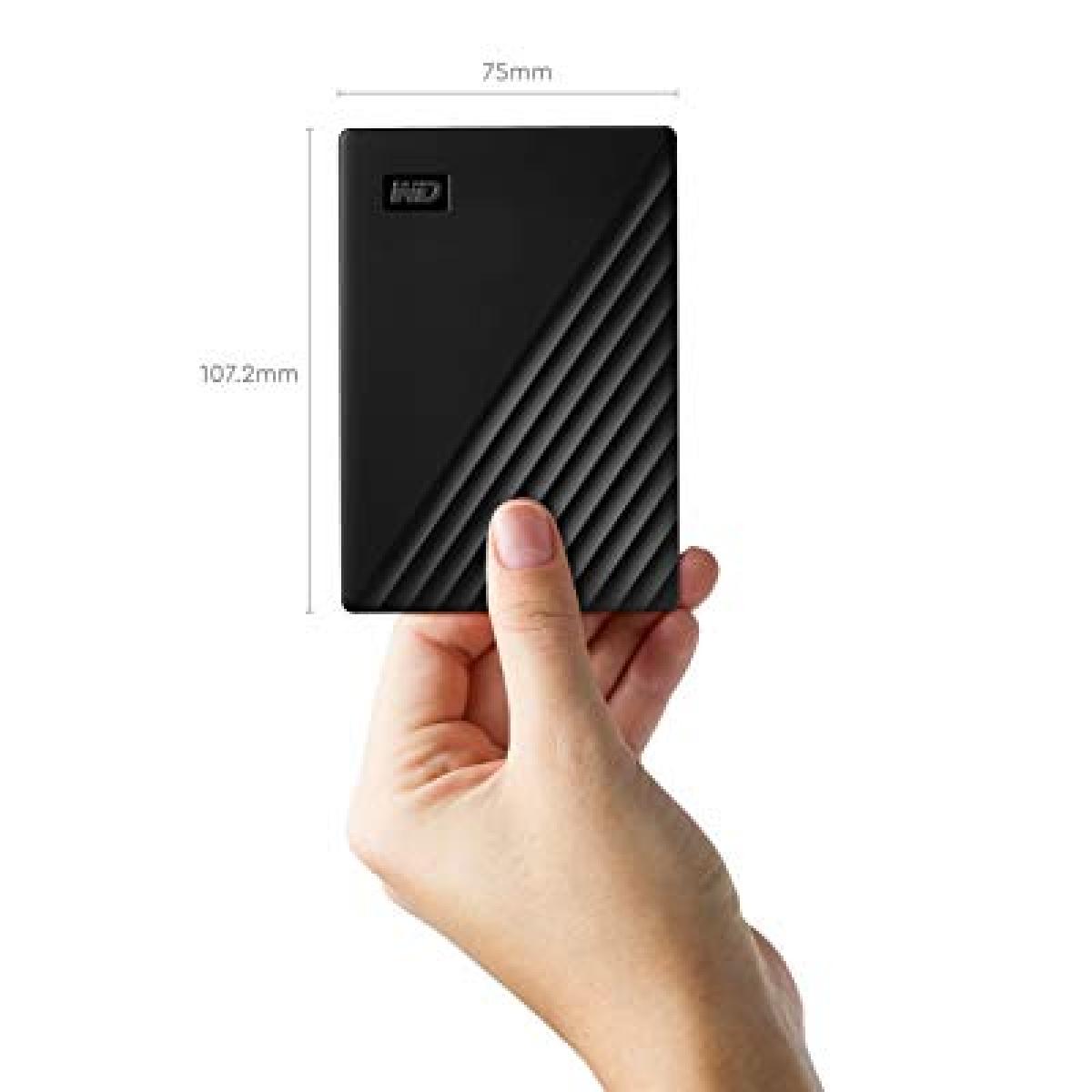
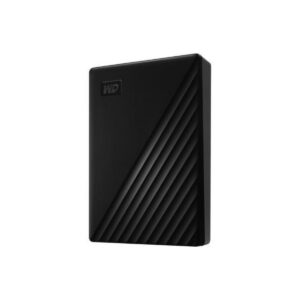
WD My Passport Portable HDD
The WD My Passport Portable HDD is designed for users who require reliable external storage for backing up files, photos, videos, documents, and personal data. Its compact design makes it easy to carry while providing secure storage through password protection and built-in 256-bit AES hardware encryption.
Official Product Page:
Western Digital My Passport Official Page
Key Features
- Portable external hard drive
- USB 3.2 Gen 1 connectivity
- Transfer speeds up to 5Gb/s
- Password protection support
- AES 256-bit hardware encryption
- Backup software with ransomware defense features
- Slim and durable design
- Bus-powered operation without an external adapter
- 3-year limited warranty
Secure Data Protection
Security is one of the strongest advantages of this drive. Password protection combined with 256-bit AES hardware encryption helps secure personal files, business documents, and sensitive data.
Backup and Storage
The included software allows automatic backups of important files and folders. This makes the drive suitable for:
- Computer backups
- Family photos
- Business documents
- Media libraries
- University projects
- Long-term file storage
Compatibility
Compatible with:
- Windows PCs
- macOS systems
- USB 3.0 devices
- USB 3.2 Gen 1 devices
- USB 2.0 devices
The drive operates through a Micro-USB connection and is powered directly through USB.
Technical Specifications
- Brand: Western Digital
- Series: My Passport
- Storage Type: Portable HDD
- Interface: USB 3.2 Gen 1
- Backward Compatibility: USB 2.0
- Encryption: AES 256-bit Hardware Encryption
- Password Protection: Yes
- Power Source: USB Bus Powered
- Warranty: 3 Years Limited Warranty
- Transfer Speed: Up to 5Gb/s
Why Choose This WD My Passport Portable HDD
This model combines portability, security, backup features, and long-term reliability. The My Passport series is positioned above basic external drives by including encryption, password protection, and backup utilities. Community discussions often highlight these additional features compared to simpler external-drive models.
Official Resources
Product Specifications:
Western Digital Specifications Page
Support Center:
Western Digital Support Center
Downloads:
If you need any help contact us for free
To prepare a WD My Passport Portable HDD, an unallocated hard drive, or an SSD for its first use, you need to initialize it and create a new partition using the built-in Windows Disk Management tool
Reviews
There are no reviews yet.